Product shell first
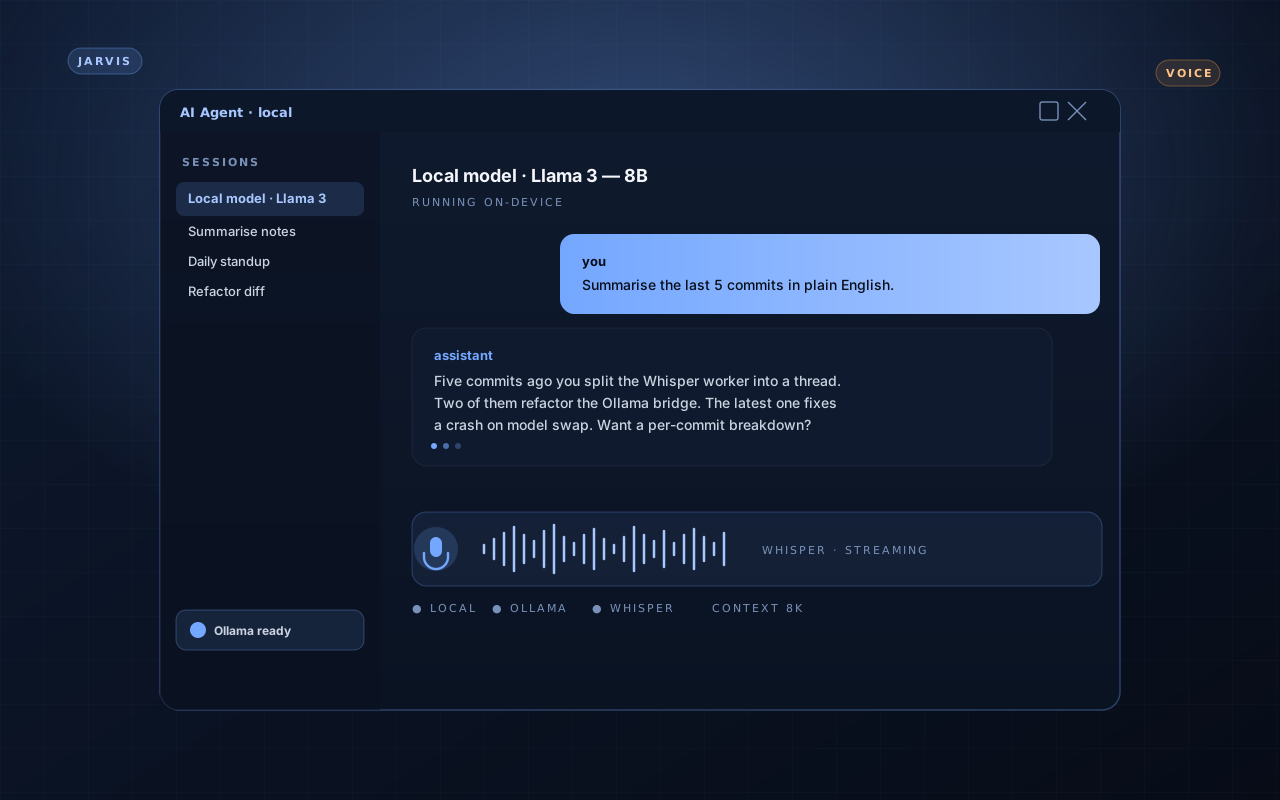
The PySide6 window is the surface the user actually meets. Threaded jobs keep the UI responsive while the model thinks, status bars surface what the model is doing, and a small command palette covers the launch path that would otherwise live in CLI flags.
- PySide6 desktop window with a docked transcript pane
- Threaded worker that pushes generation events back to the UI without blocking input
- Settings sheet that persists model + voice choices across sessions